
Assembled and bench-tested
Specs you can readBuilds you can trust
Every machine leaves the bench stress-tested, thermally tuned and listed with the parts that are actually inside it. Three-year parts warranty, no fine print.
240checks run on every build before it is packed
3 yrparts warranty, transferable if you sell the machine
48 hfrom order to courier on in-stock configurations
The bench
Pick the parts. We check the physics.
Sockets, memory type, case clearance and power draw are checked as you go — by the same engine the full builder uses, so nothing reaches checkout that will not fit.
Processor
CPU cooler
Motherboard
Memory
Graphics card
Storage
Power supply
Case
Four ways in
Shop by what you are actually solving
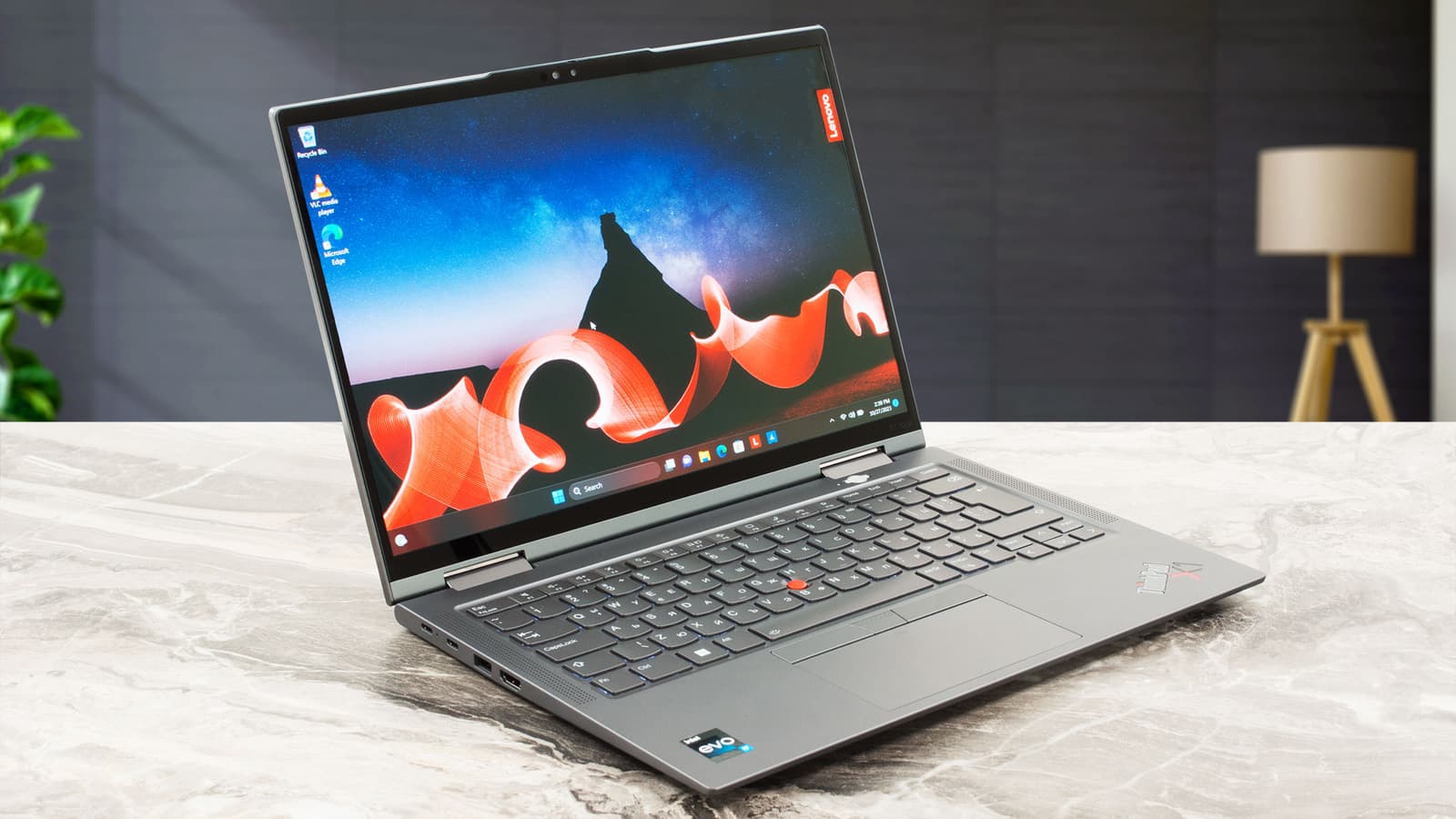
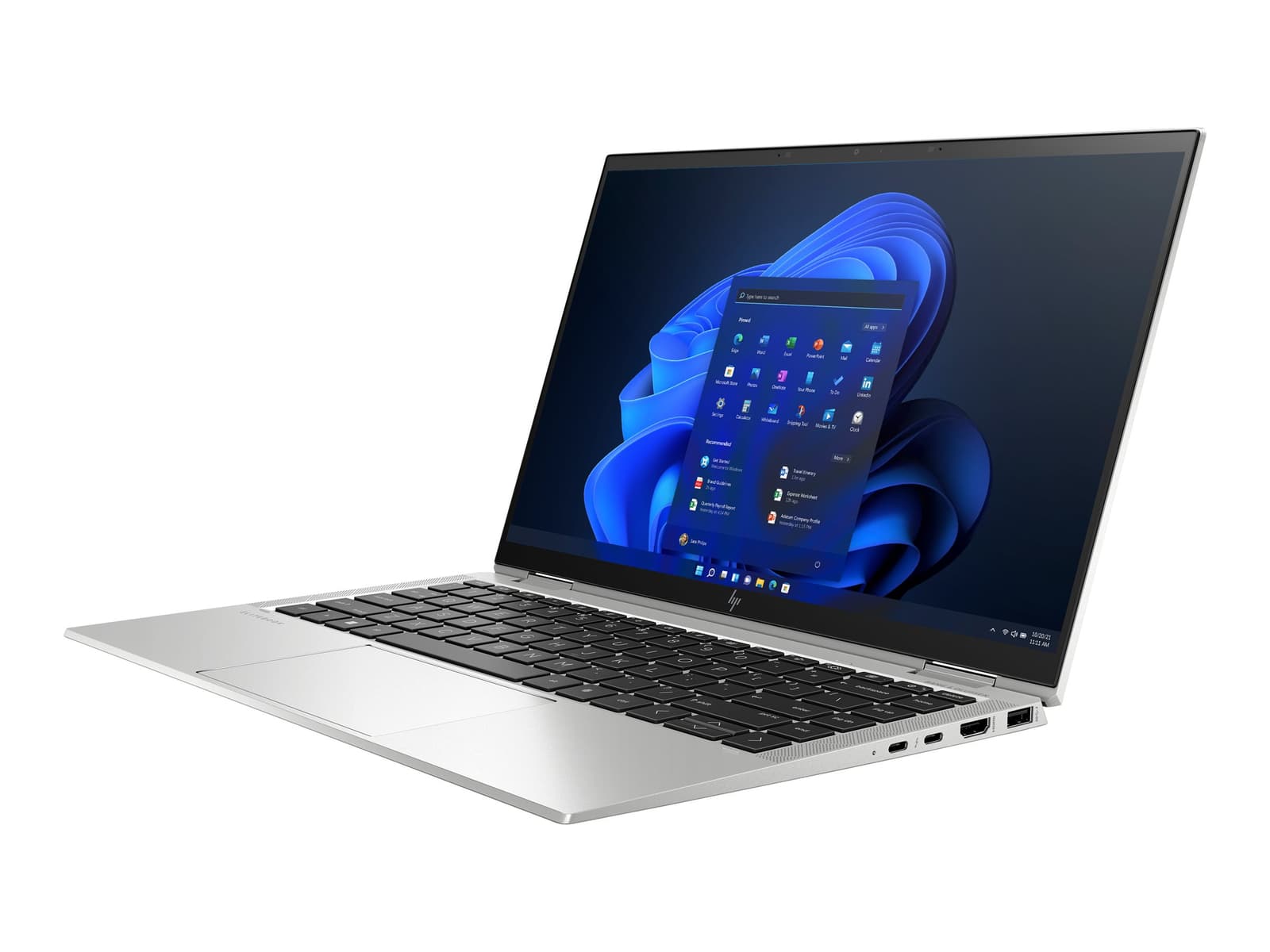
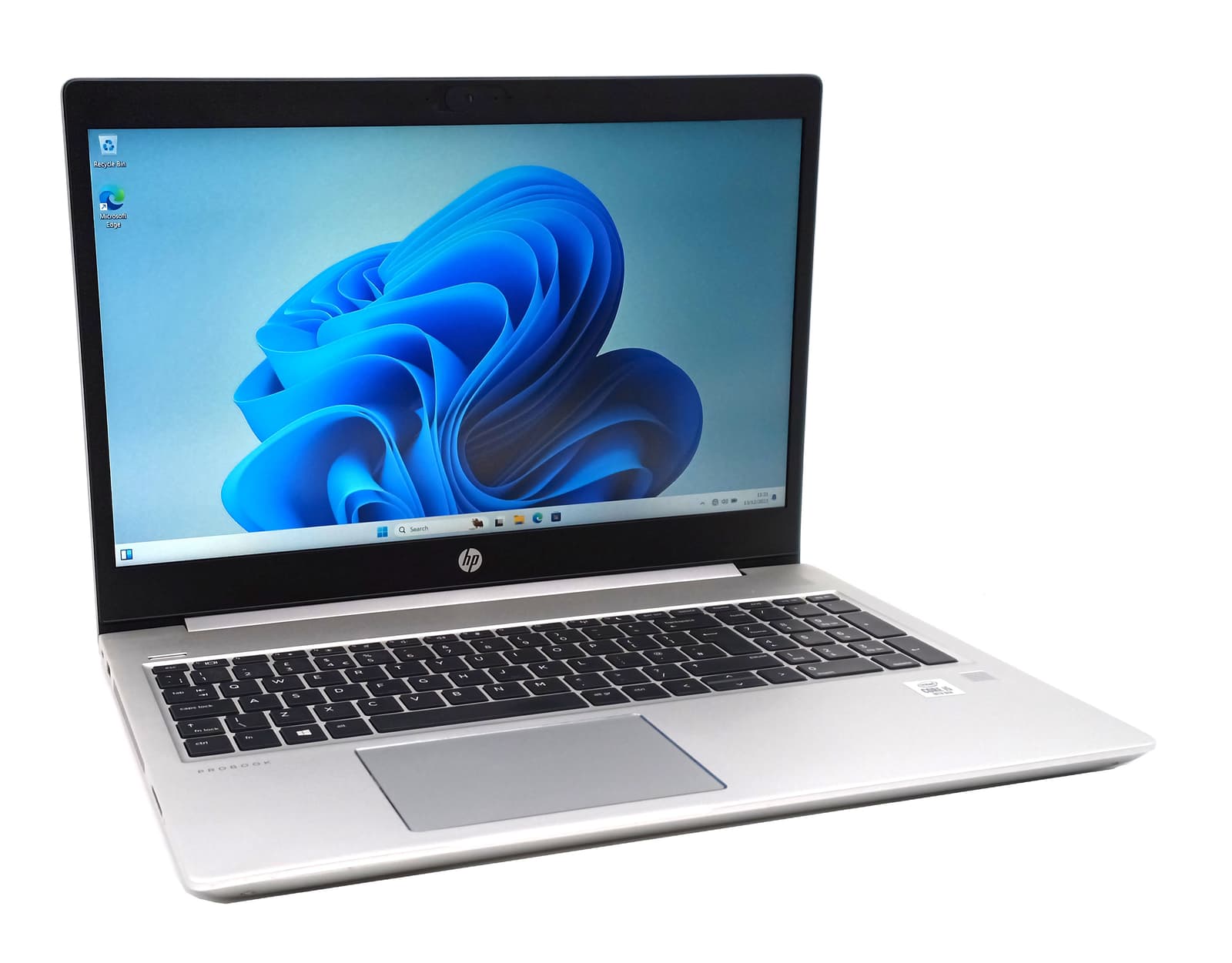
Laptops
Thin
Thin chassis that still hold clocks under a full workload.

Desktops
Hand-built towers
Towers assembled here and burned in before they ship.
Components
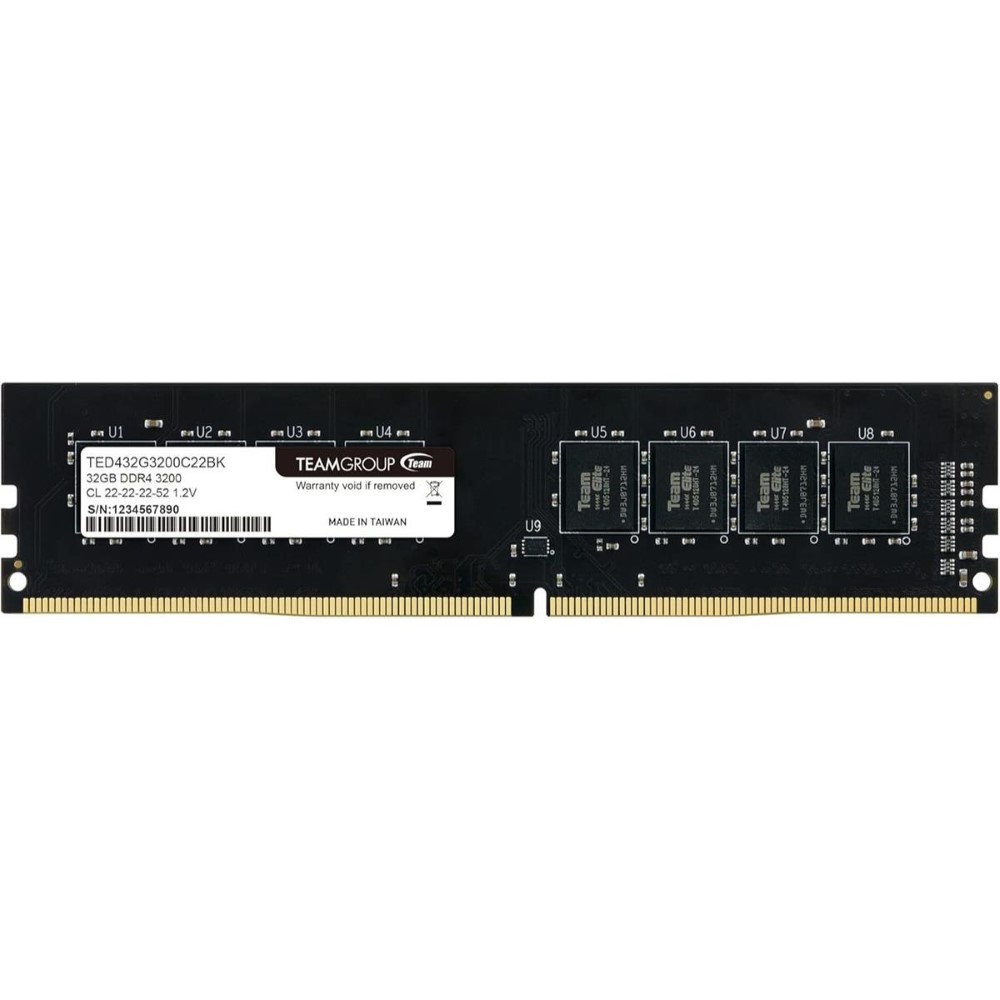
Memory
Upgrades that keep a machine current instead of replacing it.
Accessories
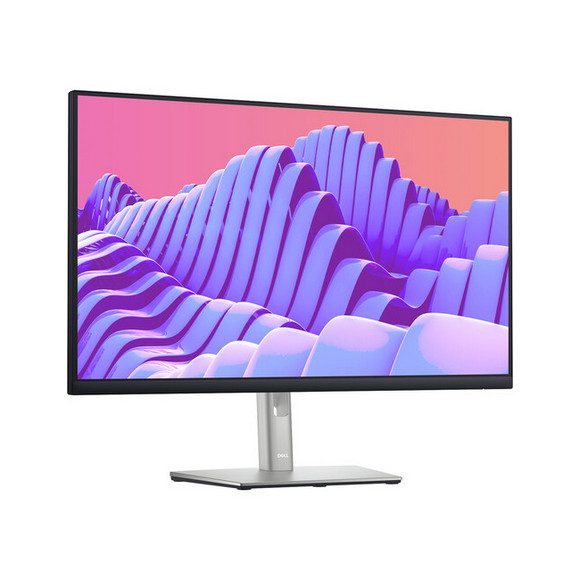
Monitors
The parts of the build your hands actually touch.
Gaming PCs
Built for frame rates
Built for frame rates, not spec sheets
Workstations
For renders
For renders, compiles and simulation
Bestsellers
What people are buying
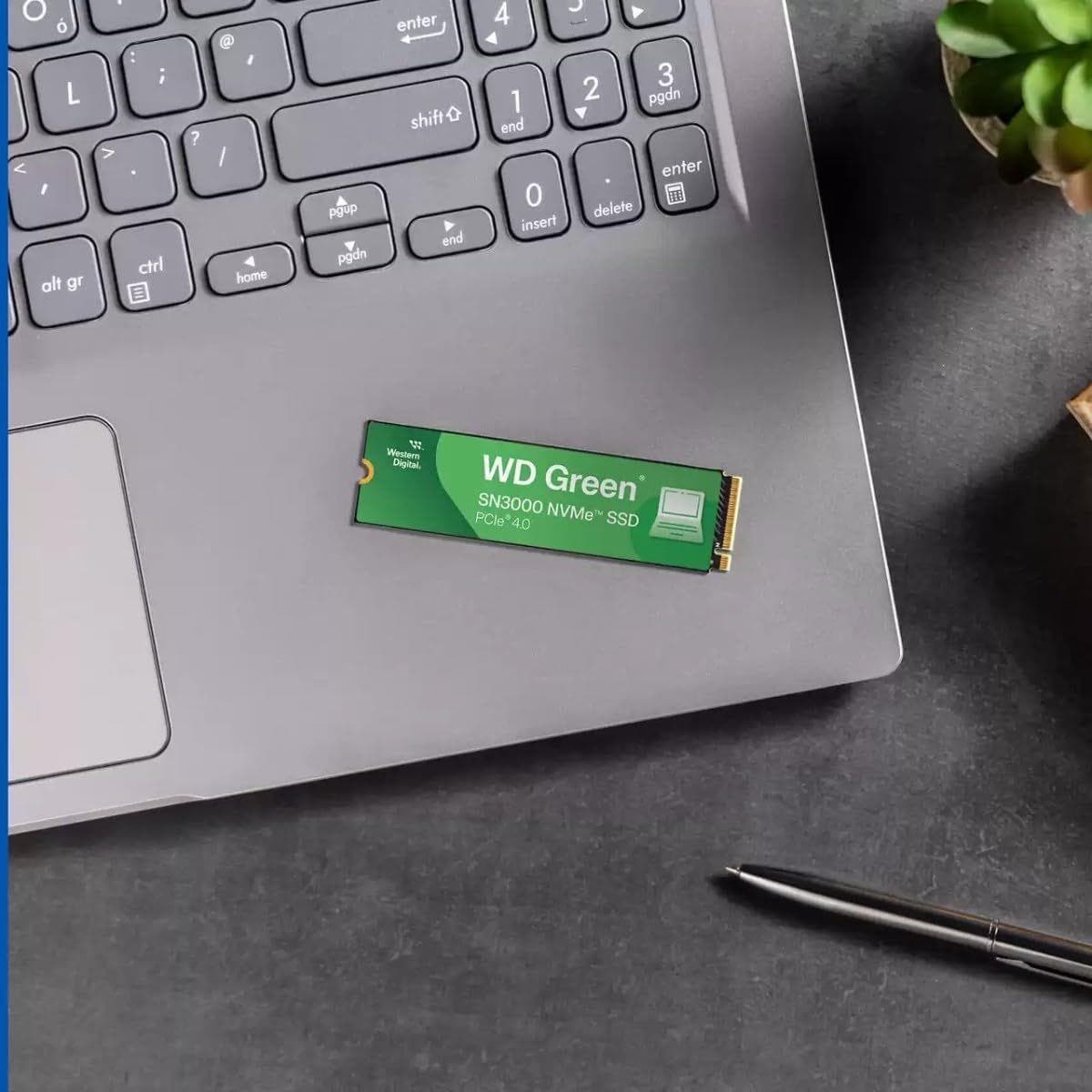
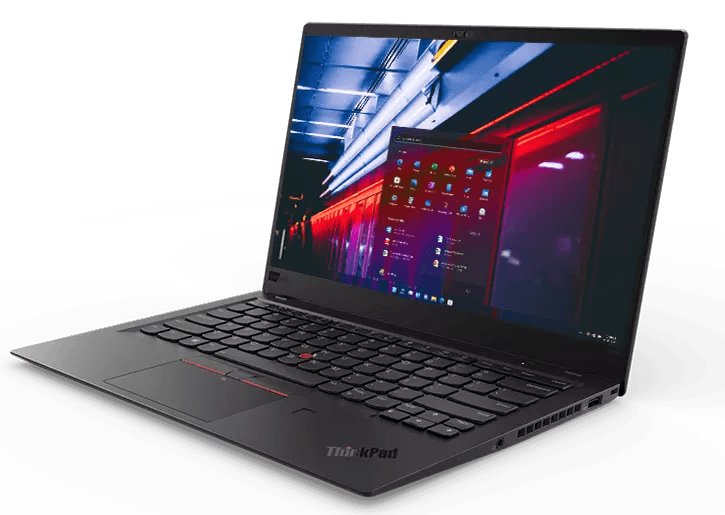
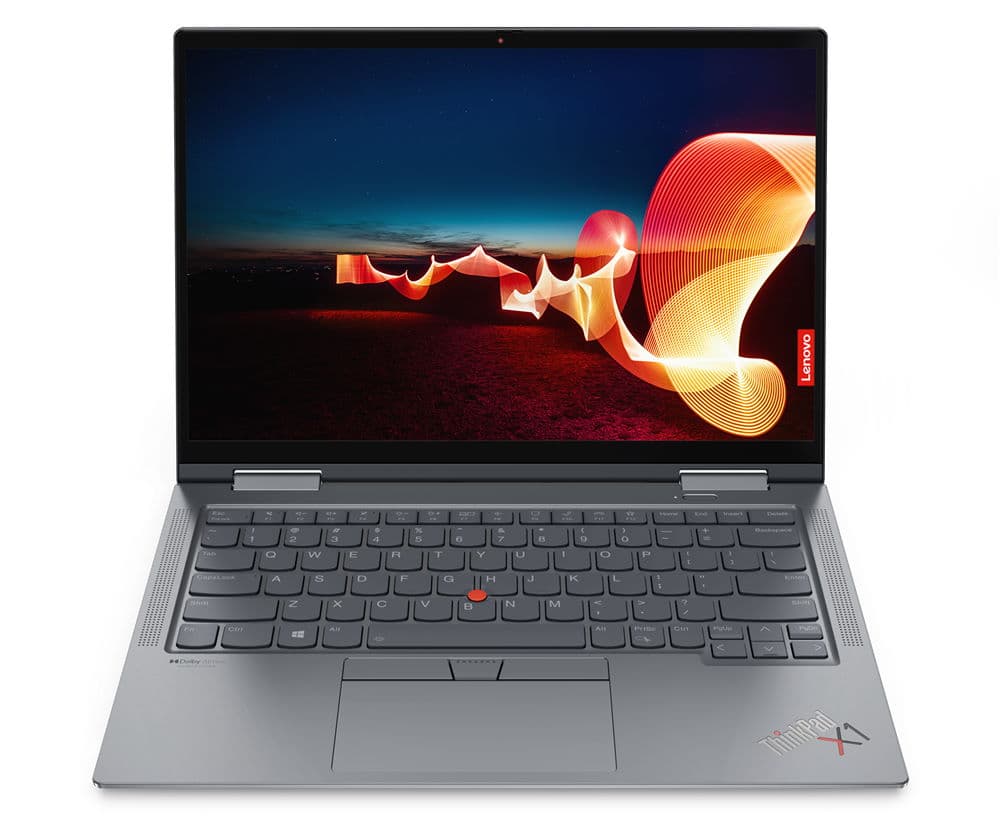
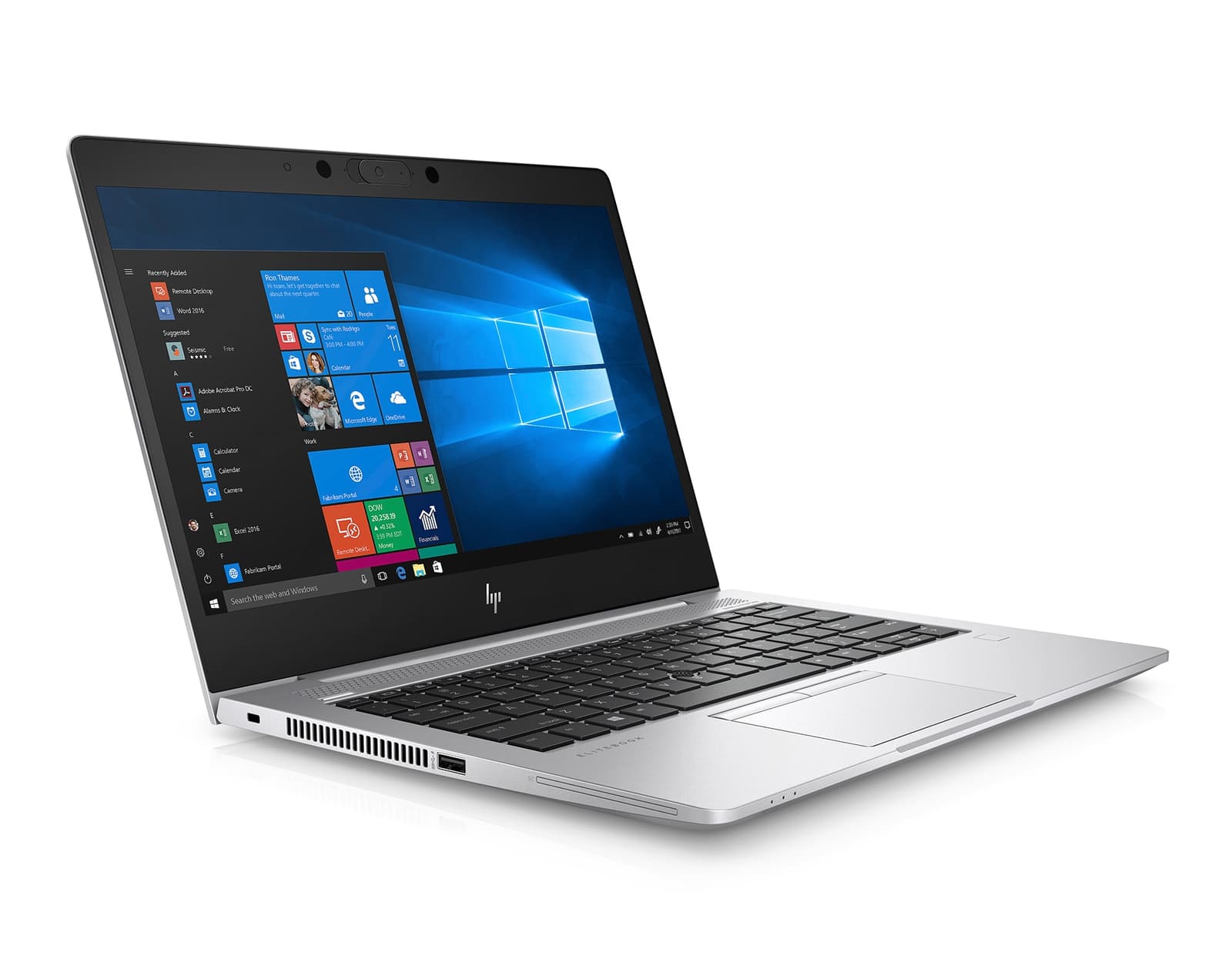
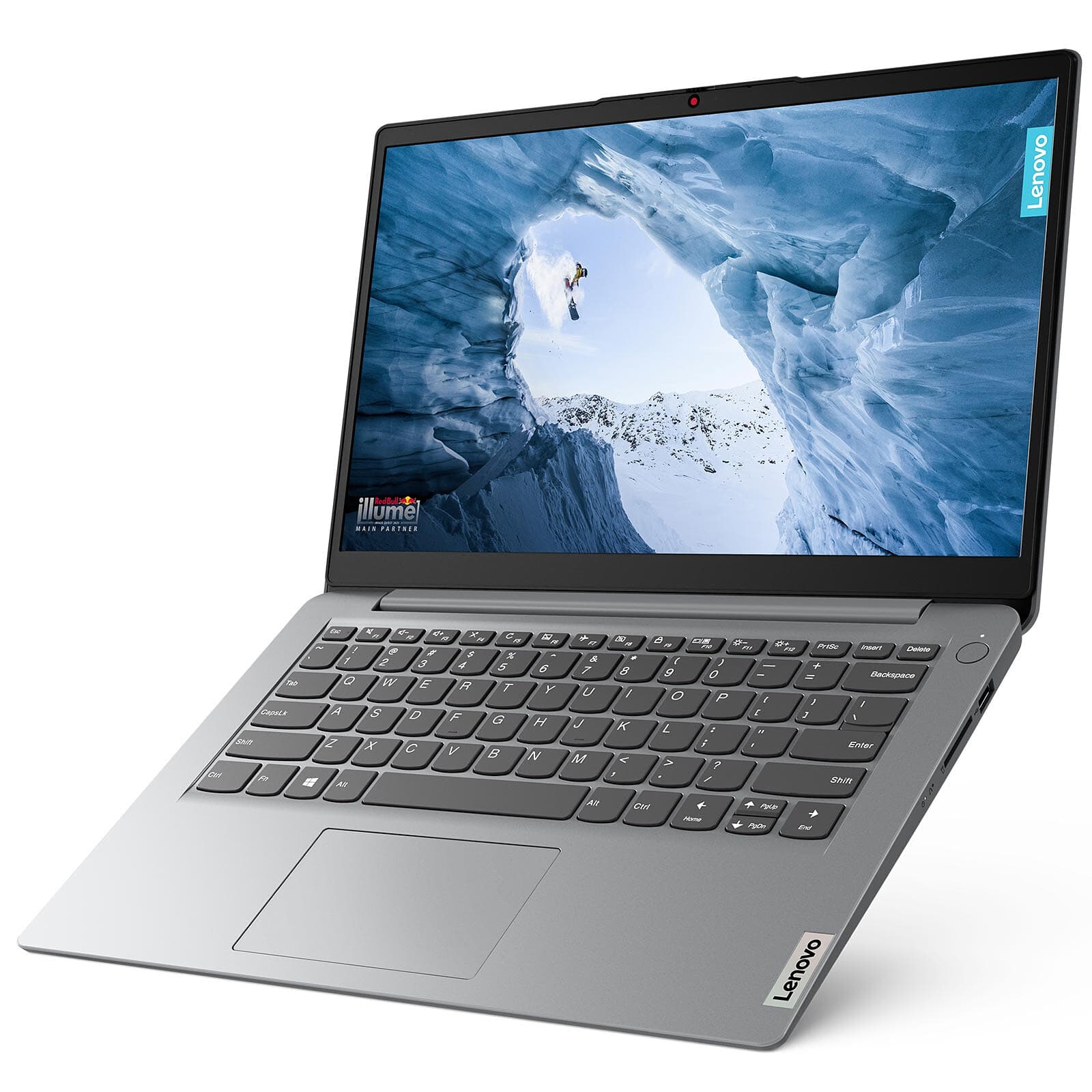
Every board is posted, flashed and thermally logged on the bench before it goes into a case.
Why TCV
Honest specs, tested hardware
Buying a computer should not mean decoding a spec sheet written to hide things. We list what is in the box, test it before it ships, and stand behind it.
Specs listed in full
Model numbers for every part, not marketing tiers. If the drive is QLC or the memory is single-rank, the product page says so.
Tested before it ships
Twelve hours of burn-in, thermal logging under sustained load and a memory pass. The test report ships in the box with your serial on it.
Upgrade paths that last
Boards with spare slots and supplies with headroom, so the next upgrade is a part swap rather than a rebuild. The builder checks that for you.
Warranty without the fine print
Three years on parts, transferable if you sell the machine. Opening the side panel to add storage does not void it.
Free shipping over Rs 30,000Tracked courier, insured to the door.
Secure checkoutCard details never touch our servers.
30-day returnsSend it back unasked, we cover the label.
Not sure what the work needs? Ask a builder.
Tell us the software you run and the budget you have. We will spec it, explain the trade-offs in plain terms, and never upsell a part you will not use.
Reading
Buying guides, no fluff
01 · MAY 11, 2023
How Much RAM Do You Actually Need?
16GB is the floor, 32GB is the comfortable answer, and 64GB only pays for itself in specific work. Here is how to tell which one you are.
02 · MAY 11, 2023
Laptop or Desktop: Choosing the Right Machine
Portability costs you upgrade paths and sustained performance. If your machine lives on one desk, a tower buys more for the same money.
Newsletter
Restocks and price drops worth acting on
One email a month: what came back in stock, what dropped in price, and the odd teardown. Unsubscribe in one click.